If you enable the Package Entry feature, you can allows Users to manually enter a shipment (stop/packages), and then add it to existing routes.
To enable the Package Entry feature for Users:
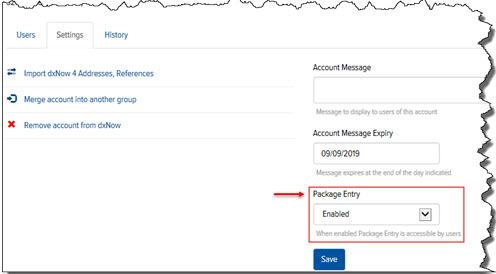
In Final Mile Track Administration > Accounts > Account > Settings tab, in the Package Entry field, click the drop-down arrow, and select Enabled, as shown:
Click Save.
The Package Entry page is now accessible to Users.
