You can view Quote Events and Order Events for an account. When a User requests a quote, but does not submit an order, a Quote Event is created. When a User submits the order, an Order Event is created.
To view Quote Events and Order Events:
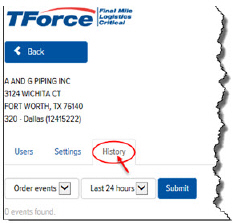
On the Account Details page, click the History tab, as shown:
In the Event field, click the drop-down arrow and select one of the following options:
· All Events – all Quote Events and Order Events
· Quote Events – quotes that were not submitted as orders
· Order Events - quotes that were submitted as orders
In the Time Period field, click the drop-down arrow and select one of the following options:
· Last 24 hours
· Last 7 days
· Last 14 days
· Last 30 days
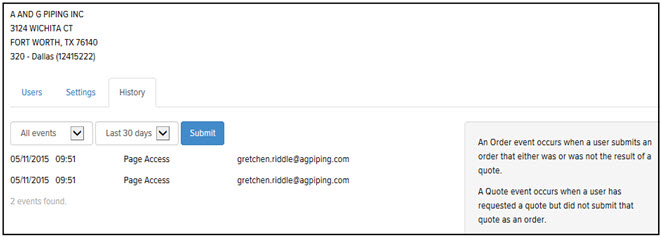
Click Submit. The Events that match your filter criteria are displayed, as shown: