To grant a Salesperson the right to access a Portfolio:
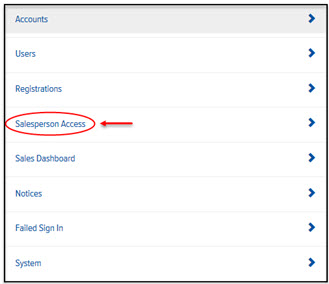
In Final Mile Track Administration, on the Home page, click the Salesperson Access link, as shown:
The Salesperson Access page appears, as shown:
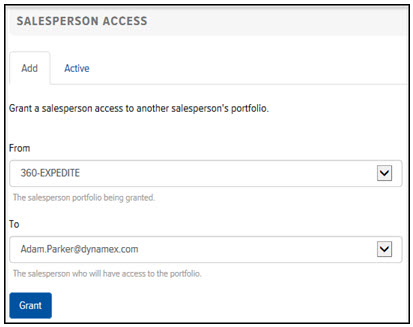
On the Add tab, in the From field, click the drop-down arrow and select a Salesperson whose Portfolio you want to grant access.
In the To field, click the drop-down arrow and select the Salesperson who you want to grant access to the Portfolio.
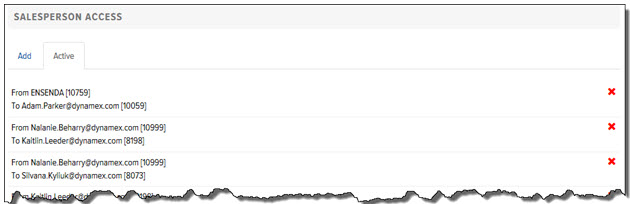
Click Grant. The Salesperson Access displays on the Active tab, as shown: