 (Delete) icon next to the
Salesperson Access that you
want to revoke, as shown:
(Delete) icon next to the
Salesperson Access that you
want to revoke, as shown:To revoke a Salesperson’s right to access a Portfolio:
· On
the Salesperson Access
page, on the Active tab,
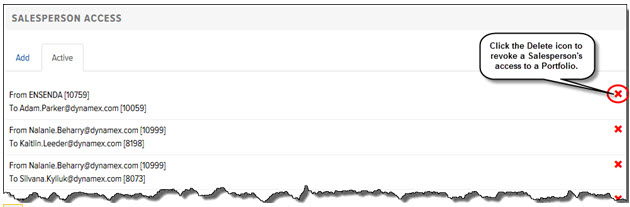
click the (Delete) icon next to the
Salesperson Access that you
want to revoke, as shown:
The Salesperson Access is removed from the list.
