If you would like to view the Final Mile Track application as the selected User would see it, you can “emulate” the User (assume the User’s configuration). Emulation is invisible to the User that you are emulating.
Important: When an Administrator is emulating a User, he/she can demonstrate to the Customer how to create an order, but cannot actually create an order.
To emulate a User:
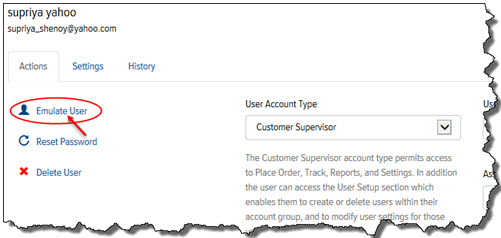
· In Final Mile Track Administration, on the Users page, on the Actions tab, click Emulate User, as shown:
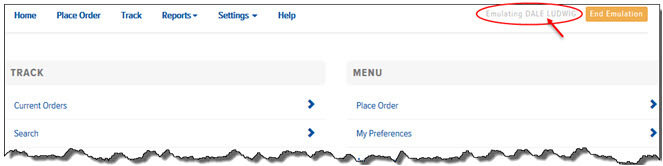
The Home page displays in the way that the User who you are emulating sees it, as shown: