To search for a User:
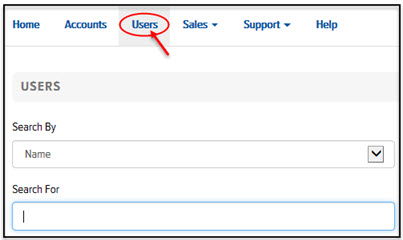
In Final Mile Track Administration, on the Home page, click the Users link. The Users page appears, as shown:
In the Search By field, click the drop-down arrow and select Name or Email Address.
In the Search For field, type the name of the User you want to locate, or the User’s email address. A list of possible matches displays.
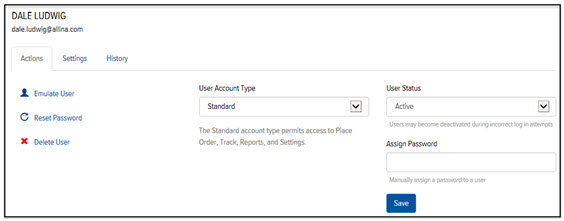
Click the desired User. The User Details page appears, as shown: