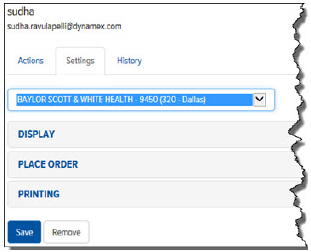
On the Users page > Settings tab, you can define User Preferences for a specific account including display, the Place Order page, and printing.
To define User Preferences for a specific account:
On the Users page, click the Settings tab.
In the Account field, click the drop-down arrow and select the account for which you want to define preferences. The preference options display, as shown:
