To delete a shipment:
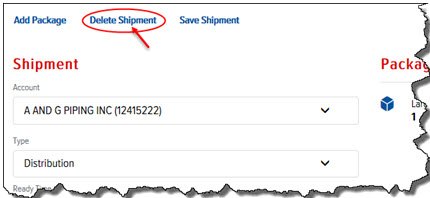
On the Shipment Details page, click the Delete Shipment link, as shown:
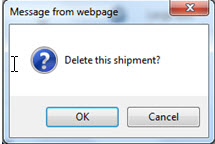
A Confirmation window appears, as shown:
Click OK. The shipment is removed from the Shipments list.