To view Email Notifications for an order:
On the Saved Orders page, search for the order whose Email Notifications you want to view.
In the Saved Orders list, click the order. The Saved Orders Details page appears.
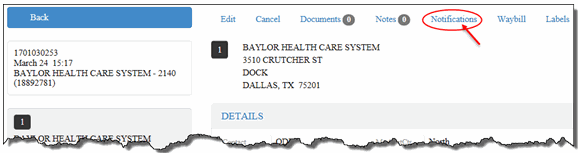
On the Saved Orders Details page, click the Notifications link, as shown:
The Email Notifications section appears, as shown:
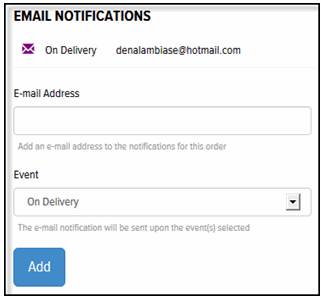
A list of Email Notifications defined for the order displays in the Email Notifications list.
