To attach a document to an order:
On the Saved Orders page, search for the order to which you want to attach a document.
In the Saved Orders list, click the order. The Saved Orders Details page appears.
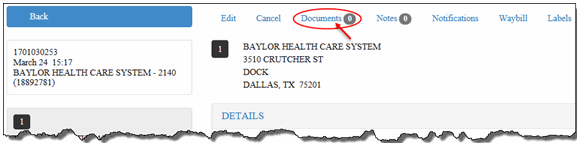
On the Saved Orders Details page, click the Documents link, as shown:
The Documents section displays.
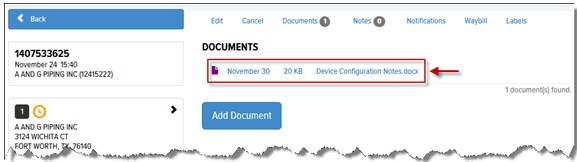
Click Add Document. The Choose File to Upload window appears. Navigate to the desired file, and click Open. The document displays in the Documents list, as shown: