To view notes that are defined for an order:
On the Saved Orders page, search for the order whose notes you want to view.
In the Saved Orders list, click the order. The Saved Orders Details page appears.
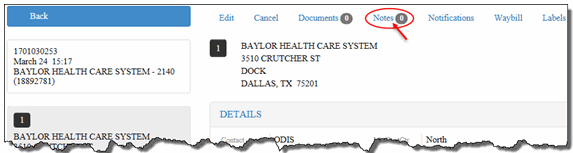
On the Saved Orders Details page, click the Notes link, as shown:
Note: The numerical icon
that displays next to the Notes
link indicates the number of notes that are defined for the order. For
example:  (zero notes
are defined for the order).
(zero notes
are defined for the order).
The Notes section displays.
View the notes that are defined for the order.