To print a waybill:
On the Saved Orders page, search for the order for which you want to print a waybill.
In the Saved Orders list, click the order. The Saved Orders Details page appears.
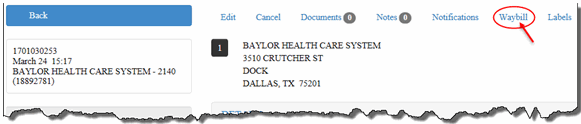
Click the Waybill link, as shown:
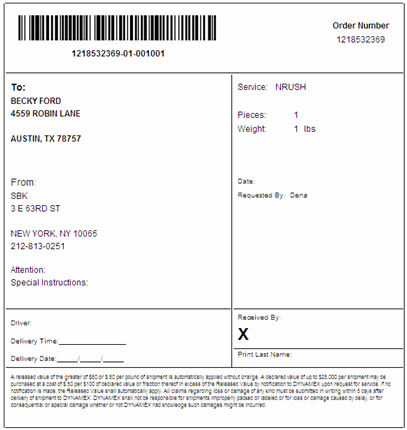
The waybill displays, as shown:
Print or save the waybill.
