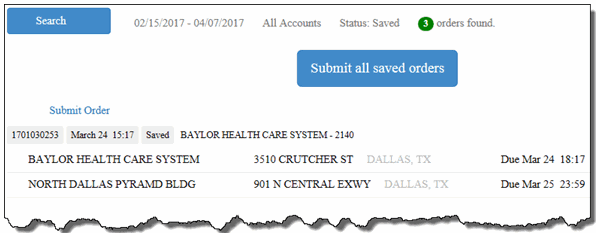
The Saved Orders page displays orders that you have created, but have not yet submitted to Dispatch. When entering an order on the Place Order page, you can click Save to save the order. This allows you to review the order on the Save Orders page before you submit it.
Note: After an order is submitted, it no longer displays on the Saved Orders page.
To access the Saved Orders page:
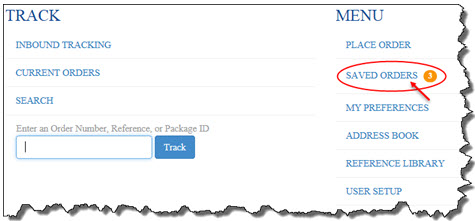
· On the Home page, in the Menu section, click the Saved Orders link, as shown:
Note: The Saved Orders link does not display if you have not saved any orders.
The Saved Orders page appears, as shown: