To view an attached document:
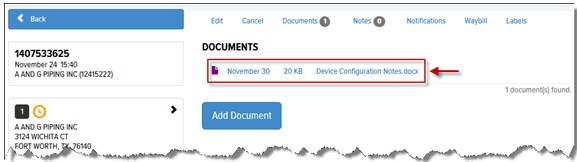
On the Saved Orders Details page, click the Documents link. The Documents section displays.
In the Documents list, click the document that you want to view, as shown:
The following window displays, as shown:

Click Open to display the document.
