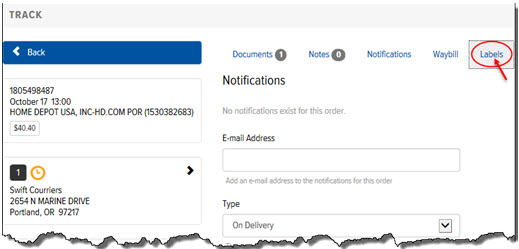
To print labels from the Order Details page:
On the Order Details page, click the Labels link, as shown:
The Label Positions display, as shown:
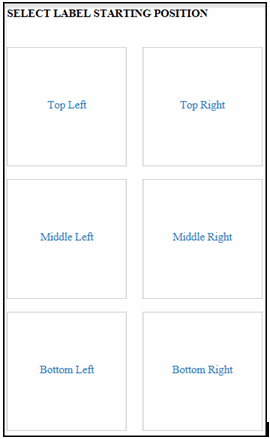
Select one of the following label position links: Top Left, Top Right, Middle Left, Middle Right, Bottom Left, Bottom Right.
The label displays, as shown:
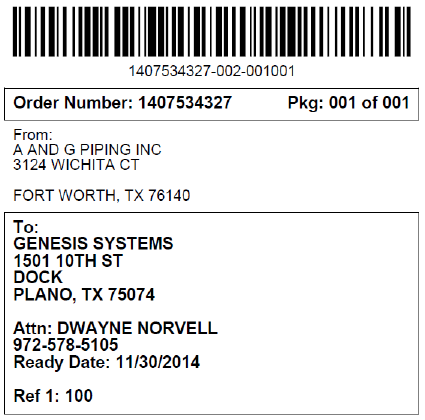
Print or save the label.
