Note: You cannot delete an address that belongs to the system, and you cannot delete an address that belongs to another User if your account settings do not grant you permission to do so.
To delete an address:
On the Address Book page, in the Search section, search for the address that you want to delete. The Address section displays the selected address.
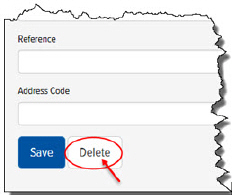
In the Address section, click Delete, as shown:
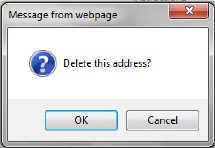
A confirmation window displays, as shown:
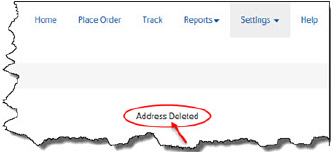
Click OK to delete the address. A confirmation displays, as shown: