To create a Reference:
On the Reference Library page, click Create, as shown:
The Reference section displays, as shown:
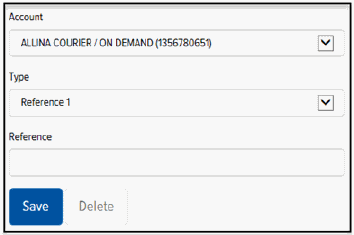
In the Account field, click the drop-down arrow and select the desired account.
In the Type field, click the drop-down arrow and select a Reference (Reference 1, Reference 2, or Reference 3).
In the Reference field, type a Reference value.
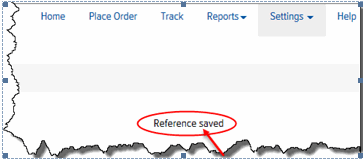
Click Save. A confirmation displays, as shown: