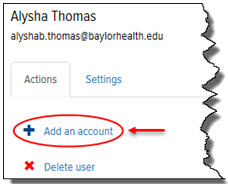
To add an Account to a User:
On the User page > Actions tab, click the Add an Account link, as shown:
The Accounts section displays, as shown:
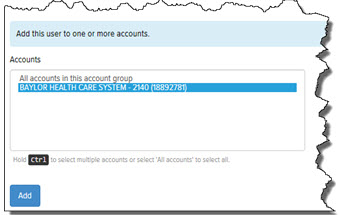
In the Accounts section, select the accounts to which you want to add the User. To select multiple accounts, press Ctrl as you click the desired accounts. Select “All Accounts in this Account Group” if you want to add the User to all accounts.
Click Add. The User is added to the account.
