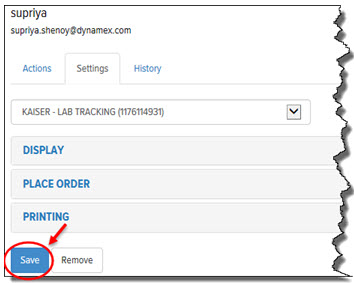
To save User Preferences:
· In the Final Mile Track application, on the Users page, on the Settings tab, click Save, as shown:
The User Preferences for the selected account are saved.