Final Mile Track allows you to create a two-stop order that consists of a pickup stop and a delivery stop.
Note: A User can only create orders if his/her account is in “Active” status.
The steps for creating a two-stop order are as follows:
(Optional) Step 2: Return Service/Additional Insurance/ Notifications/Price Quote
Step 3: Save or Submit the Order
To access the Place Order page:
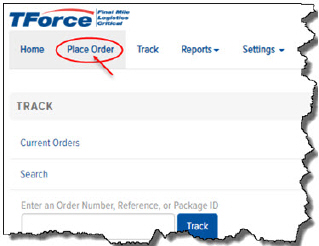
· On the Final Mile Track Main Menu Bar, click Place Order, as shown:
Or,
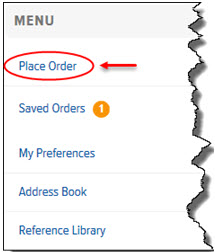
· On the Home page, in the Menu section, click the Place Order link, as shown:
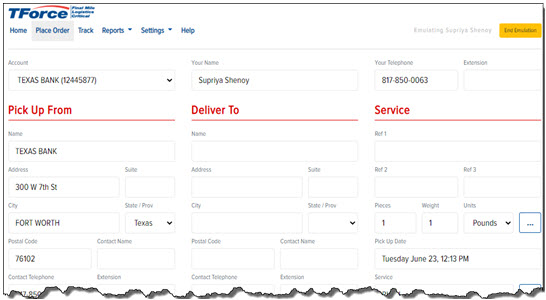
The Place Order page appears, as shown: