To edit a saved order:
On the Saved Orders page, search for the order that you want to edit.
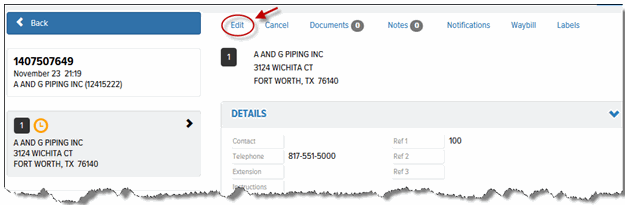
In the Saved Orders list, click the order that you want to edit. The Saved Orders Details page appears.
Click the Edit link, as shown:
The Place Order page appears.
Edit the order as desired. See Create a New Order for instructions on how to edit the order.
Click Save.
