To edit an order:
On the Track Orders page, search for the order that you want to edit. A list of orders displays.
Click the order that you want to edit. The Order Detail page appears.
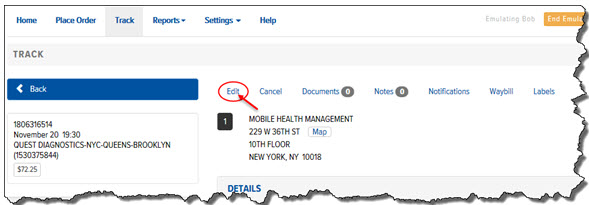
Click the Edit link, as shown:
The Place Order page appears.
Edit the order, as necessary. For a detailed description of each field on the Place Order page, see Place an Order.
