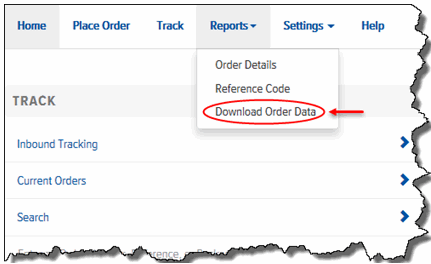
To create a Download Order Data Report:
On the Final Mile Track Main Menu Bar, click Reports, and select Download Order Data, as shown:
The Download Order Data page appears, as shown:
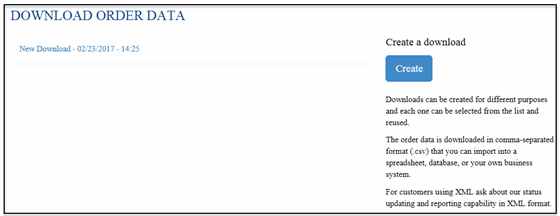
Note: If you want to view a previously created report, in the Reports list, click the desired Download Order Data report to view it.
To create a new Download Order Data Report: Click Create. The Download Order Data Filters page appears, as shown:
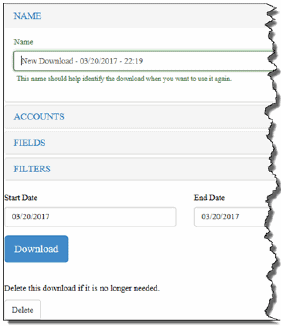
In the Name field, type a name for the Download Order Data Report.
Go to Select Accounts.
