To edit an address:
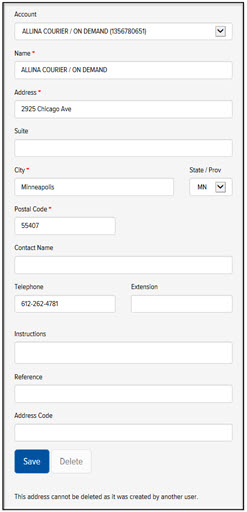
On the Address Book page, in the Search section, search for the address that you want to edit. The Address section displays the selected address, as shown:
In the Address section, edit the address fields as desired. See Add an Address to the Address Book for a description of each address field.
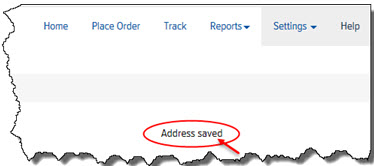
Click Save. A confirmation displays, as shown: